



Pixel Mapping and ArtNet for Advanced LED Stage Light Bars
- Optimizing LED Stage Lighting with Networked Pixel Control
- What is Pixel Mapping and Why It Matters for LED Stage Light Bars
- Art-Net Basics: How It Works with LED Bar Fixtures
- Key considerations when using Art-Net
- Comparing Protocols: Art-Net, sACN, and Native Pixel Protocols
- Designing a Pixel Mapping System for LED Stage Light Bars
- Bandwidth and Refresh Rate
- Pixel Mapping Workflow: From Content to Pixels
- Troubleshooting Common Pixel Mapping and Art‑Net Issues
- Practical Hardware and Network Recommendations for Reliability
- Case Study: Touring Rig Example
- Guangzhou BKlite — Company Profile and Product Fit for Pixel Projects
- BKlite Advantages and Product Strengths for LED Bar Pixel Projects
- Buying and Integration Checklist for LED Stage Light Bars (Pixel Projects)
- FAQ — Pixel Mapping and ArtNet for LED Stage Light Bars
- 1. How many pixels can I control per Art‑Net universe?
- 2. Should I use Art‑Net or sACN for my LED bars?
- 3. How do I reduce the number of universes required?
- 4. What network hardware is recommended for large pixel rigs?
- 5. How do I calibrate color across multiple LED bars?
- Contact and Product Inquiry
- References
Optimizing LED Stage Lighting with Networked Pixel Control
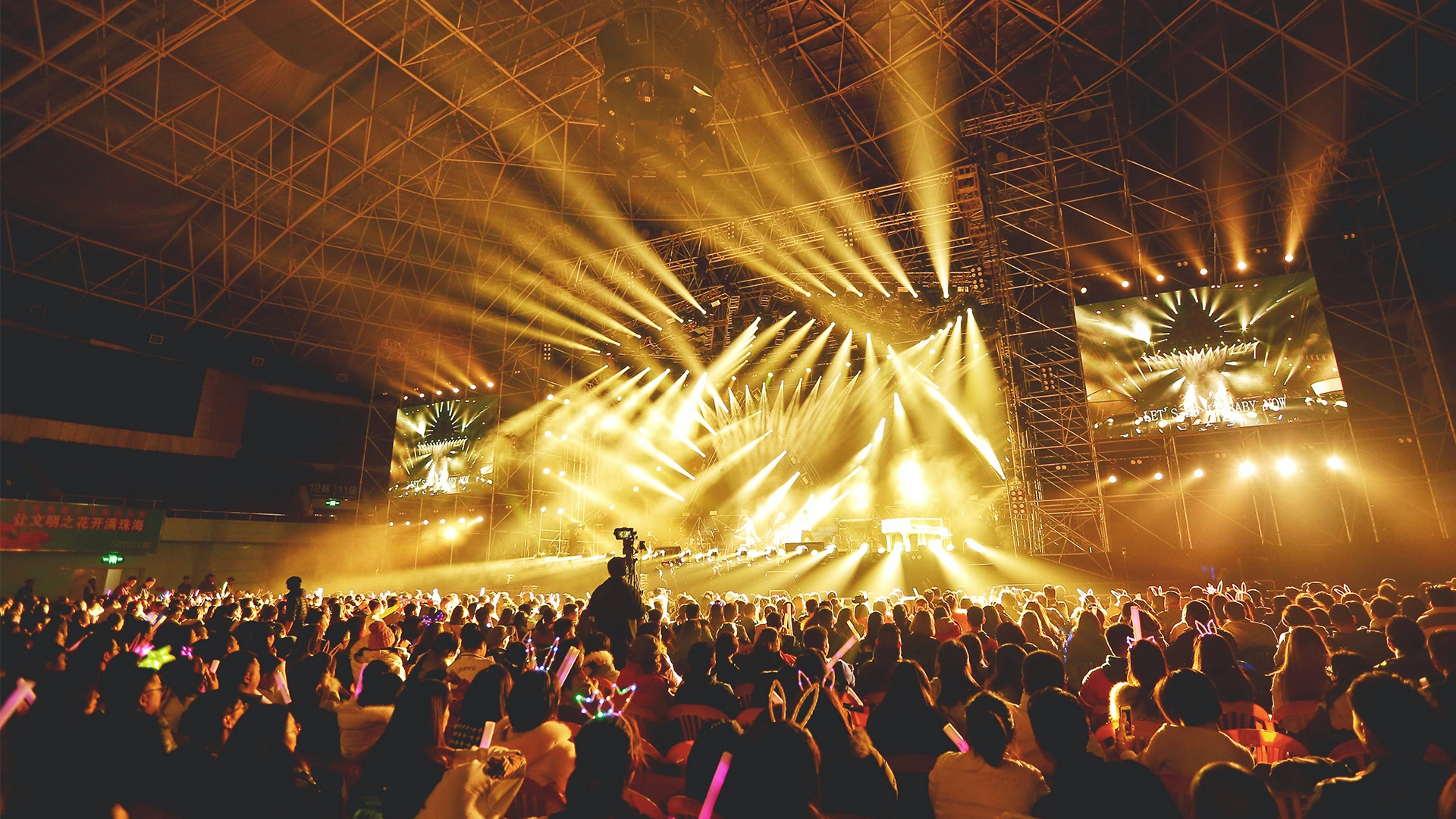
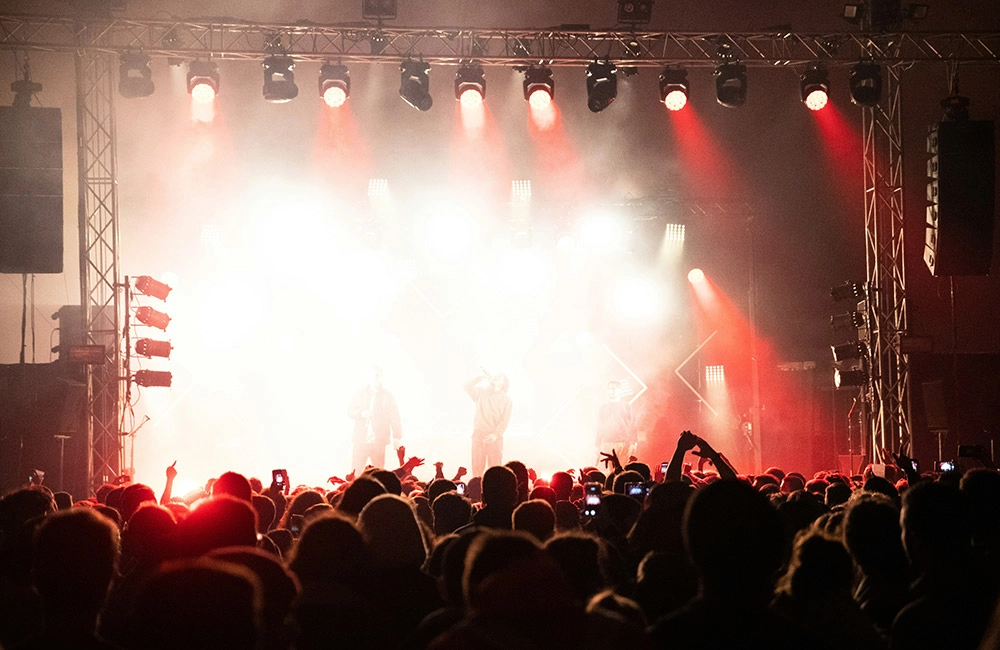
LED Stage Light Bars have transformed concert tours, theatres, and architectural lighting by enabling high-density RGB/RGBW pixel control along the length of a fixture. To realize complex effects — chases, gradients, video content, and pixel-precise mapping — designers pair pixel-mapped fixtures with network protocols like Art-Net. This article dives into the technology, workflows, and practical design considerations for implementing pixel mapping with Art-Net and comparable protocols for reliable, high-performance LED bar deployments.
What is Pixel Mapping and Why It Matters for LED Stage Light Bars
Pixel mapping is the process of treating each individually addressable LED (or group of LEDs) as a pixel within a two- or three-dimensional matrix. For LED Stage Light Bars, which often contain dozens or hundreds of pixels, pixel mapping lets you:
- Display video, gradients, and complex patterns across multiple bars as a unified canvas.
- Synchronize effects with music or show cues with frame-level precision.
- Create scalable looks: the same content can be mapped to different bar counts and orientations.
Practically, pixel mapping converts content (frames) into output channel data for each LED pixel. That data must be transported reliably and with sufficient bandwidth to the fixture controllers — which is where protocols like Art-Net and sACN come in.
Art-Net Basics: How It Works with LED Bar Fixtures
Art-Net is an Ethernet-based protocol developed by Artistic Licence that tunnels DMX512 over UDP/IP packets. It is widely adopted in entertainment lighting because it provides:
- Flexible universe addressing across standard IP networks.
- Multicast and unicast support for efficient distribution.
- Compatibility with many lighting consoles, media servers, and fixture decoders.
For LED Stage Light Bars, Art-Net typically carries pixel data packaged as DMX universes. One universe (512 channels) can address, for example, 170 RGB pixels (3 channels each) or 128 RGBW pixels (4 channels each). Understanding universe allocation is crucial in system planning to avoid bandwidth bottlenecks.
Key considerations when using Art-Net
- Plan universe counts before deployment based on pixel channel count per bar.
- Use managed switches and VLANs on larger shows to segregate lighting traffic.
- Prefer multicast for media-server-to-fixtures workflows; unicast can reduce unnecessary traffic on crowded networks.
Comparing Protocols: Art-Net, sACN, and Native Pixel Protocols
Choosing the right protocol impacts latency, reliability, and scalability. The table below summarizes typical characteristics relevant to LED Stage Light Bars.
| Protocol | Transport | Universes/Channels | Typical Use | Notes |
|---|---|---|---|---|
| Art‑Net | UDP/IP (Ethernet) | Unlimited via IP; each universe = 512 channels | Wide compatibility; media servers and consoles | Good multicast support; widely implemented in hardware |
| sACN (E1.31) | UDP/IP (Ethernet) | Unlimited via IP; each universe = 512 channels | More modern standard for distributed lighting systems | Designed for robust multicast and network convergence |
| Raw Pixel Protocols (SPI, WS281x, etc.) | Serial or Bus (short runs) | Dependent on chipset; per-pixel frame data | Direct LED strip control; short-distance | Not suitable for long Ethernet backbones without converters |
Sources: Art‑Net and sACN specifications and protocol descriptions (see references).
Designing a Pixel Mapping System for LED Stage Light Bars
Design begins with these quantities: number of bars, pixels per bar, channels per pixel, refresh rate, and control protocol. Example calculation:
- 10 bars × 60 pixels/bar × 3 channels/pixel (RGB) = 18,000 channels
- Each universe = 512 channels → 18,000 / 512 ≈ 35.2 → 36 universes required
Implications:
- Media server and network hardware must support 36 universes of Art‑Net or sACN output.
- Consider using 16-bit color (two channels per color) for smoother fades — this doubles channel use and may require 72 universes for the same pixel count.
- To lower universes, use pixel grouping, RGBW with 4-channel pixel packing, or fixture-level mapping features.
Bandwidth and Refresh Rate
Bandwidth and frame rate affect perceived smoothness. Typical targets:
- Normal fixtures: 25–30 fps for video-like motion.
- High-performance touring rigs: 40–60 fps for flicker-free motion in camera or slow-motion shots.
Calculate required packet rate by multiplying universes by frame rate; ensure the network and devices can handle the aggregate multicast/unicast throughput. Use gigabit backbone switches for multi-universe high-frame-rate deployments.
Pixel Mapping Workflow: From Content to Pixels
Typical steps in a pixel-mapped playback workflow:
- Design a virtual canvas in the media server that matches the physical layout of LED Stage Light Bars (pixel coordinates, orientation, and spacing).
- Import or create content (video, generative effects, chases).
- Map content channels to universes and fixture addresses (Art‑Net or sACN output mapping).
- Test and calibrate color and intensity using reference footage and camera checks.
- Lock down timing and cue stacks in the lighting console or playback system.
Practical tip: always keep a documented channel map and a labeled physical layout. During load-in, label each bar with start universe and pixel orientation to quickly resolve addressing mismatches.
Troubleshooting Common Pixel Mapping and Art‑Net Issues
Common problems and remedies:
- Missing pixels or reversed orientation — verify start address and flip mapping in the media server.
- Dropouts or flicker — check network congestion, use dedicated lighting VLANs, and confirm that switches support IGMP snooping for multicast traffic.
- Color calibration differences between fixtures — use in-system color correction tools and spectrometer readings if exact color matching is required.
Practical Hardware and Network Recommendations for Reliability
For robust deployments of LED Stage Light Bars using Art‑Net:
- Use gigabit managed switches; avoid consumer-grade switches for large systems.
- Implement IGMP snooping and switch-level multicast control to prevent broadcast storms.
- Segment lighting traffic from show-control and AV networks using VLANs when feasible.
- Use high-quality Art‑Net/sACN nodes or embedded decoders in the bar fixtures; prefer units with firmwares that support RDM, firmware updates, and diagnostic features.
Case Study: Touring Rig Example
Scenario: 24 LED Stage Light Bars, 96 pixels each, RGB pixels (3 channels each).
- Total channels = 24 × 96 × 3 = 6,912 channels → 14 universes (6,912 / 512 ≈ 13.5)
- At 30 fps → 14 universes × 30 fps = 420 universe packets per second.
- Recommendation: single gigabit switch per stage wing, dedicated lighting network, media server with multicast Art‑Net output, and local power and DMX/decoder redundancies.
Guangzhou BKlite — Company Profile and Product Fit for Pixel Projects
Guangzhou BKlite Stage Lighting Equipment Co., Ltd. was set up in 2011 and has become one of the top companies in the stage lighting industry. The company's business philosophy is based on being professional and innovative and on making sure that all of its stakeholders benefit. Over the past 14 years, it has achieved remarkable growth and built a strong reputation for quality and reliability.
The factory makes all kinds of stage lighting products, like the IP20 Bee Eye Series, IP65 Bee Eye Series, LED Beam Moving Heads, LED Spot Moving Heads, LED Wash Moving Heads, LED Par Lights, LED Bar Lights, and LED Strobe Lights. Each product is made using advanced technology to meet the changing needs of the entertainment industry. Our company invests in research and development to come up with new ideas, making sure it stays ahead of industry trends.
Our vision is to become the world's leading stage light manufacturer. Our website is https://www.bklite.com/.
BKlite Advantages and Product Strengths for LED Bar Pixel Projects
- Product breadth: LED wash moving head, LED stage lighting, LED moving head, LED strobe bar light, LED par light, LED COB light, LED spot moving head, LED beam bar moving, Profile LED moving head light, LED spotlight — enabling single-vendor procurement for mixed rigs.
- R&D capacity: continuous investment in new features, firmware, and fixture optics improves color fidelity and pixel consistency.
- Manufacturing reliability: decade-plus factory experience and quality processes reduce QA failures on tour and installations.
- IP-rated options: IP20 and IP65 lines allow outdoor and indoor application flexibility for LED Stage Light Bars.
For integrators, BKlite products offer the combination of performance, cost-efficiency, and support needed to deploy large-pixel-count LED bar arrays controlled over Art‑Net or sACN. Their LED Bar Lights and beam bar products are particularly suited to pixel mapping because of consistent pixel spacing, addressable decoders, and options for outdoor-rated housings.
Buying and Integration Checklist for LED Stage Light Bars (Pixel Projects)
- Confirm per-bar pixel count, pixel type (RGB/RGBW/COB), and per-pixel channel count.
- Determine total universe count; plan for headroom (20–30%) for future effects or 16-bit channels.
- Confirm Art‑Net/sACN compatibility and available decoder options (embedded vs external nodes).
- Specify network gear: gigabit core switches, IGMP snooping, redundant paths for mission-critical tours.
- Ask the manufacturer (e.g., BKlite) about firmware update policies, RDM support, and documentation for channel maps.
FAQ — Pixel Mapping and ArtNet for LED Stage Light Bars
1. How many pixels can I control per Art‑Net universe?
One Art‑Net universe carries 512 DMX channels. For RGB pixels (3 channels), a universe addresses up to 170 pixels (512/3 ≈ 170). For RGBW (4 channels), up to 128 pixels per universe. If you use 16-bit color per channel, the required channels double and universe counts must be adjusted accordingly.
2. Should I use Art‑Net or sACN for my LED bars?
Both are viable. Art‑Net is widely supported and easy to deploy; sACN is an ANSI standard that can offer better multicast handling and is preferred in some modern, large-scale distributed systems. Choose based on your console/media server compatibility and network design preferences.
3. How do I reduce the number of universes required?
Options include grouping pixels into larger control segments, using fixtures with fewer channels per pixel (e.g., RGB instead of RGBW), employing onboard controllers that accept pixel data and internally manage sub-pixel effects, or lowering color resolution (8-bit vs 16-bit) if acceptable for the application.
4. What network hardware is recommended for large pixel rigs?
Use enterprise or pro‑AV grade managed gigabit switches with IGMP snooping and sufficient backplane capacity. Avoid unmanaged consumer switches for large multi-universe systems. For redundancy, consider ring topologies or STP-enabled designs and separate VLANs for lighting traffic.
5. How do I calibrate color across multiple LED bars?
Use the media server or lighting console’s color-correction tools to adjust RGB gains per fixture. For high-accuracy needs, use a spectrometer to measure white point and color channels and apply per-fixture corrections in firmware or software. Keep fixtures from the same production batch to reduce variation.
Contact and Product Inquiry
If you are planning a pixel-mapped deployment or want to evaluate LED Stage Light Bars for touring, fixed installation, or broadcast, contact Guangzhou BKlite via their website: https://www.bklite.com/. For product demos, ask about LED Bar Lights, LED wash moving head, and the IP65 Bee Eye Series for outdoor projects. Their product range and manufacturing experience make them a strong partner for large pixel projects.
References
- Art‑Net specification and description — Artistic Licence: https://artisticlicence.com/ (accessed 2025-12-24)
- DMX512 protocol overview — Wikipedia: https://en.wikipedia.org/wiki/DMX512 (accessed 2025-12-24)
- sACN (E1.31) overview — Wikipedia: https://en.wikipedia.org/wiki/Streaming_ACN (accessed 2025-12-24)
- Guidance on multicast and IGMP snooping — Cisco: https://www.cisco.com/ (search for IGMP snooping configuration; accessed 2025-12-24)
- BKlite company site — Guangzhou BKlite Stage Lighting Equipment Co., Ltd.: https://www.bklite.com/ (accessed 2025-12-24)
best led stage wash lights for festivals and outdoor stages
Best pro sound stage and lighting manufacturers and supplier brands
Best professional amber/white led strobe light bar manufacturers and supplier brands
Top 10 amber and white led strobe lights Manufacturers and Supplier Brands
FAQs
If the products broken during the warranty, what should i do?
If there is a problem with the products, you describe it and send pictures or videos to us to analyze, and then we will guide you on how to fix it and provide spare parts for free if needed.
What's the shipping way, shipping time?
The ways of shipping—you can choose which is suitable for you. (1). By Sea, 30-60 days; apply for bulk quantity.
(2). By Air, 5-7 days; apply for bulk quantity.
(3). By Express, 3-5 days; apply for small quantity and urgent order.
When will you ship the product after I send the money?
It depends the order.Small order will take 3-5 days.
What service can you supply?
We can apply for the OEM/ODM service.
What's the payment terms?
T/T, Western Union.
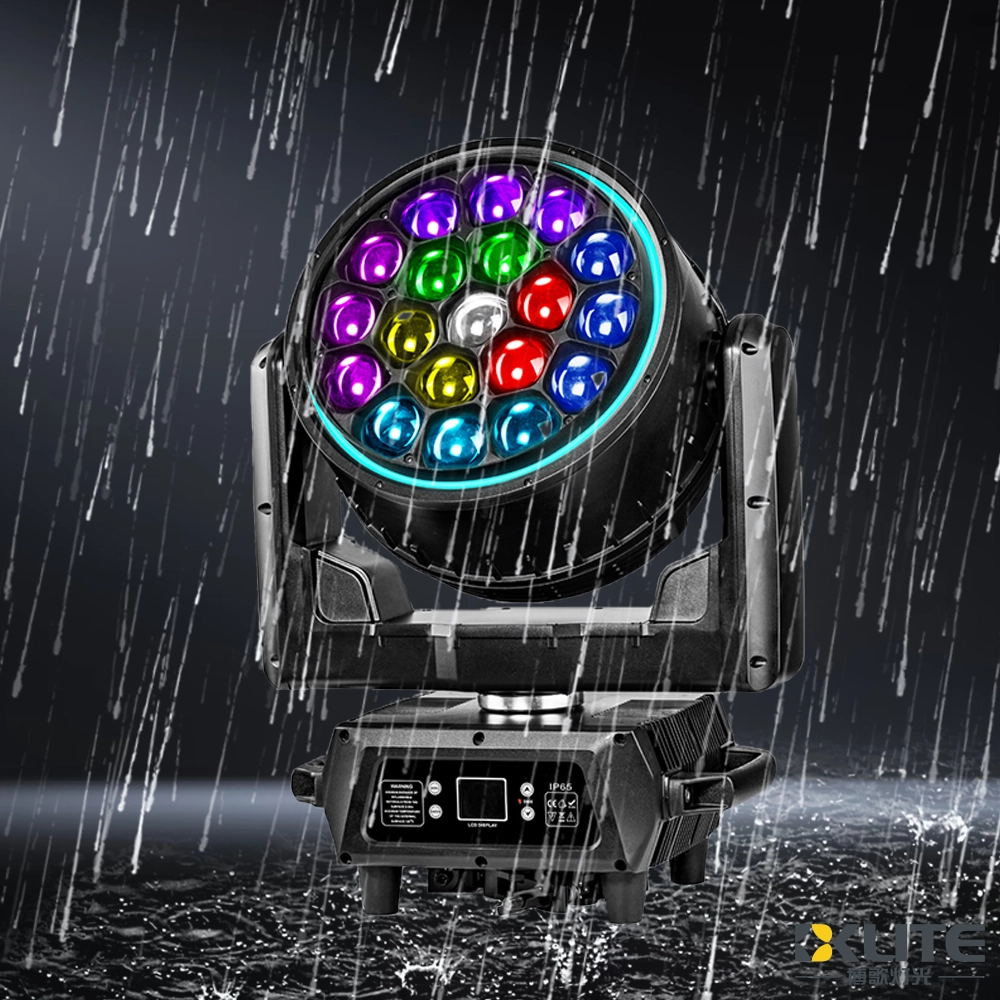
IP65 Waterproof Bee Eye Zoom 19x40W RGBW 4IN1 LED Beam Wash Moving Head Light with LED Ring
BKlite waterproof bee eye moving head light—your reliable choice from top waterproof moving head light manufacturers and suppliers. Ideal for outdoor stage, live event, music festival, this energy-saving fixture ensures powerful, precise illumination for any venue. It delivers powerful, reliable lighting performance in any weather.
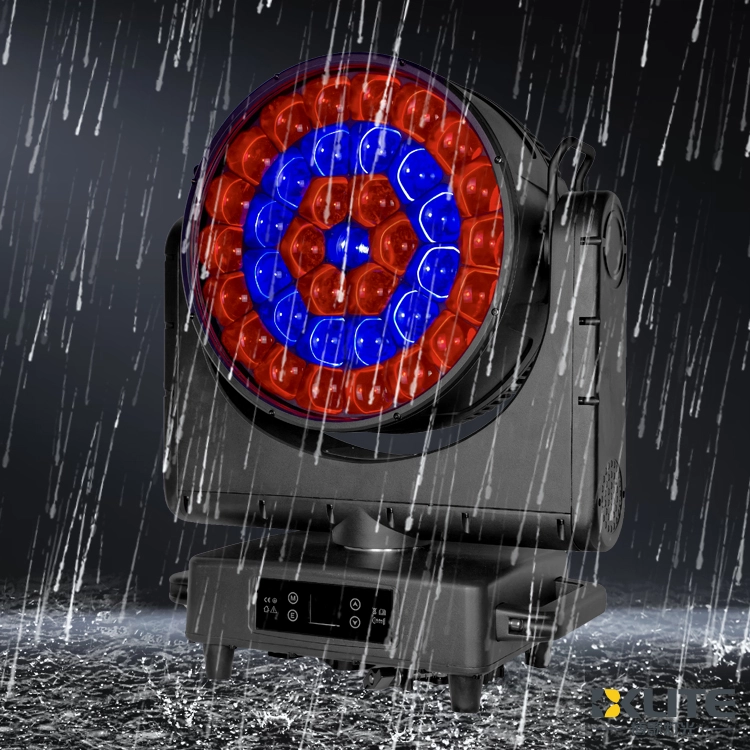
IP65 Waterproof ZOOM Bee Eye 37x40W RGBW 4in1 LED Moving Head Light
As a leading stage lighting equipment supplier with more than 15 years of industry know-how, BKlite brings you the IP65 ZOOM Bee Eye 37*40W RGBW 4in1 LED Moving Head Light (K25 Bee Eye) delivers vibrant, weatherproof lighting with powerful zoom and smooth movement. Ideal for dynamic stage effects, the K25 moving head light ensures stunning RGBW color mixing and reliable outdoor performance.
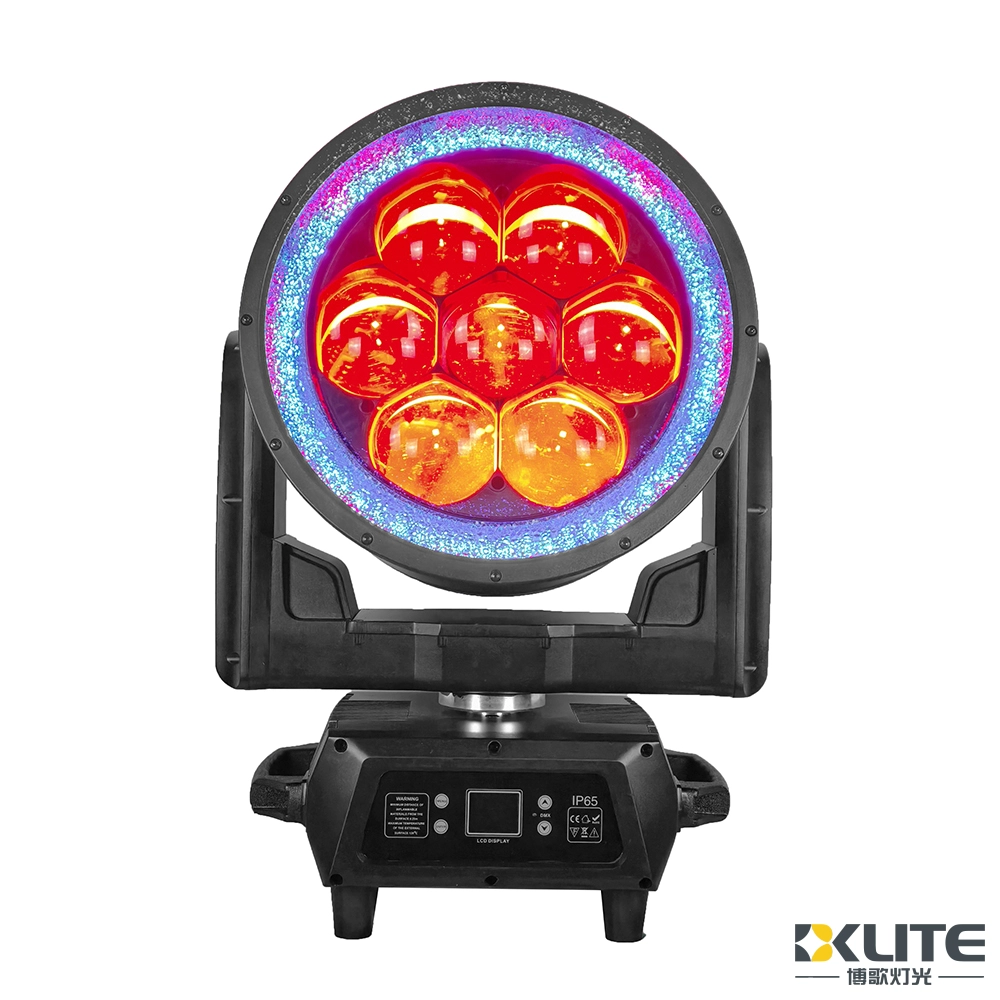
IP65 Waterproof Bee Eye 7x180W RGBL 4IN1 LED Moving Head Light With LED Ring
BKlite high power 7x180W waterproof bee eye moving head light—your reliable choice from top waterproof moving head light manufacturers and suppliers. Ideal for outdoor stage, live event, music festival, this energy-saving fixture ensures powerful, precise illumination for any venue. It delivers powerful, reliable lighting performance in any weather.
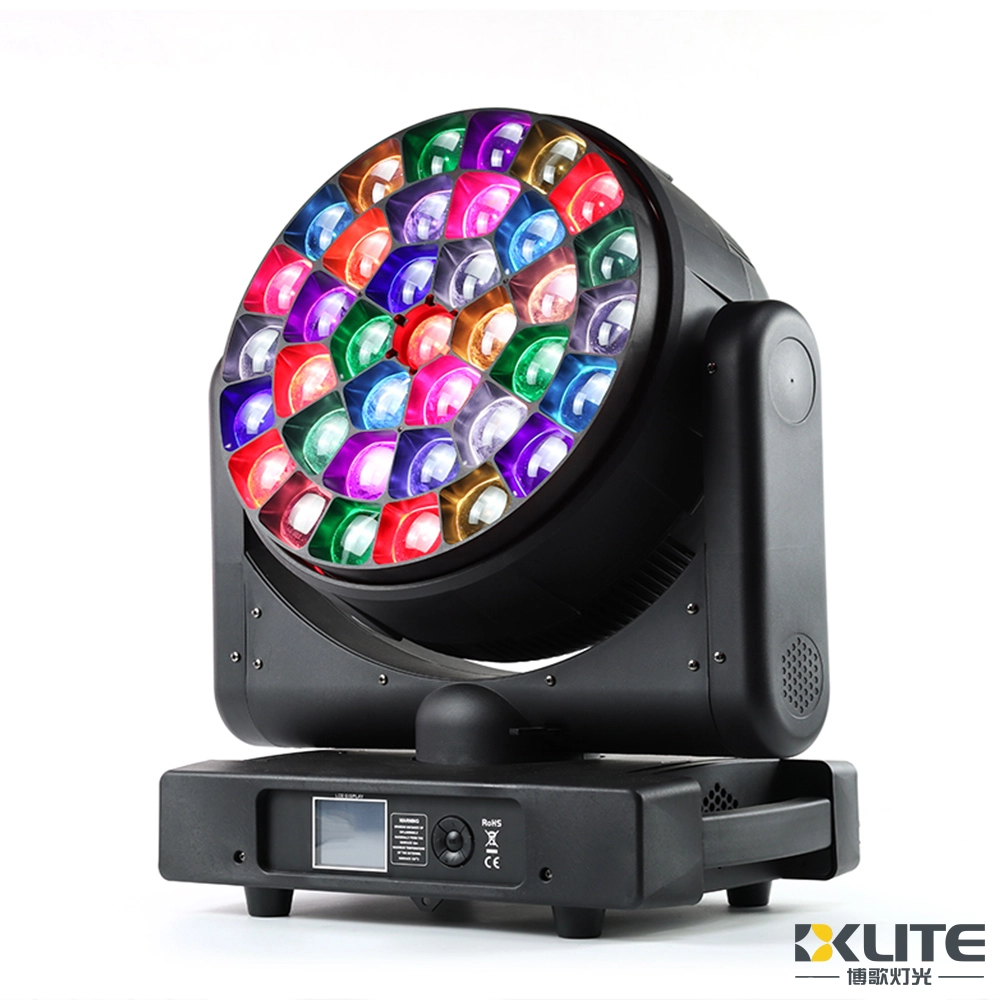
Bee Eye Zoom 37x40W RGBW 4in1 LED Beam Wash Moving Head Light


Copyright © 2025 BKLITE All Rights Reserved.